
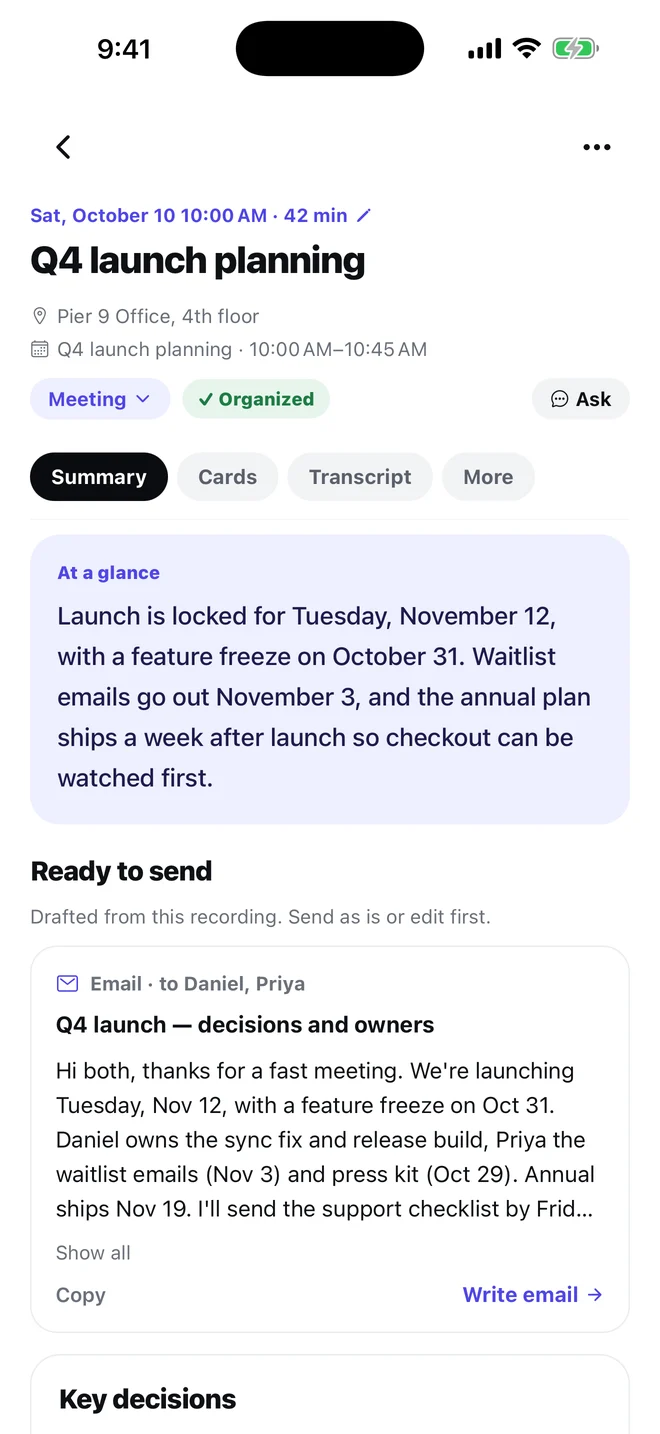
1
Summary and decisions
Just what was decided, in a few lines. Notes people actually read.
 NoteCube
AI meeting notes
Decisions, to-dos and owners, already organized. Check it and send.


First 60 cumulative minutes free · iPhone · Android
The note-taker’s day
When the meeting ends
Just what was decided, in a few lines. Notes people actually read.
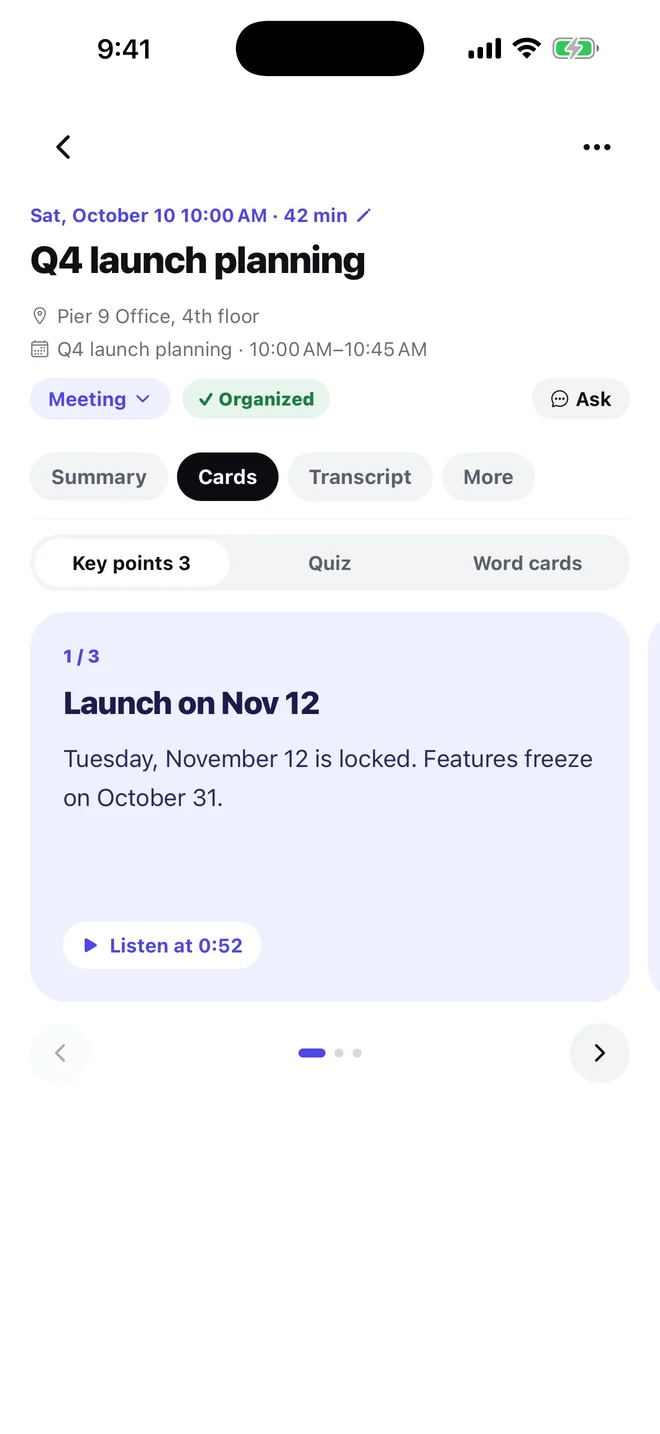
Each to-do has an owner and a date, and you can hear the moment it was said.
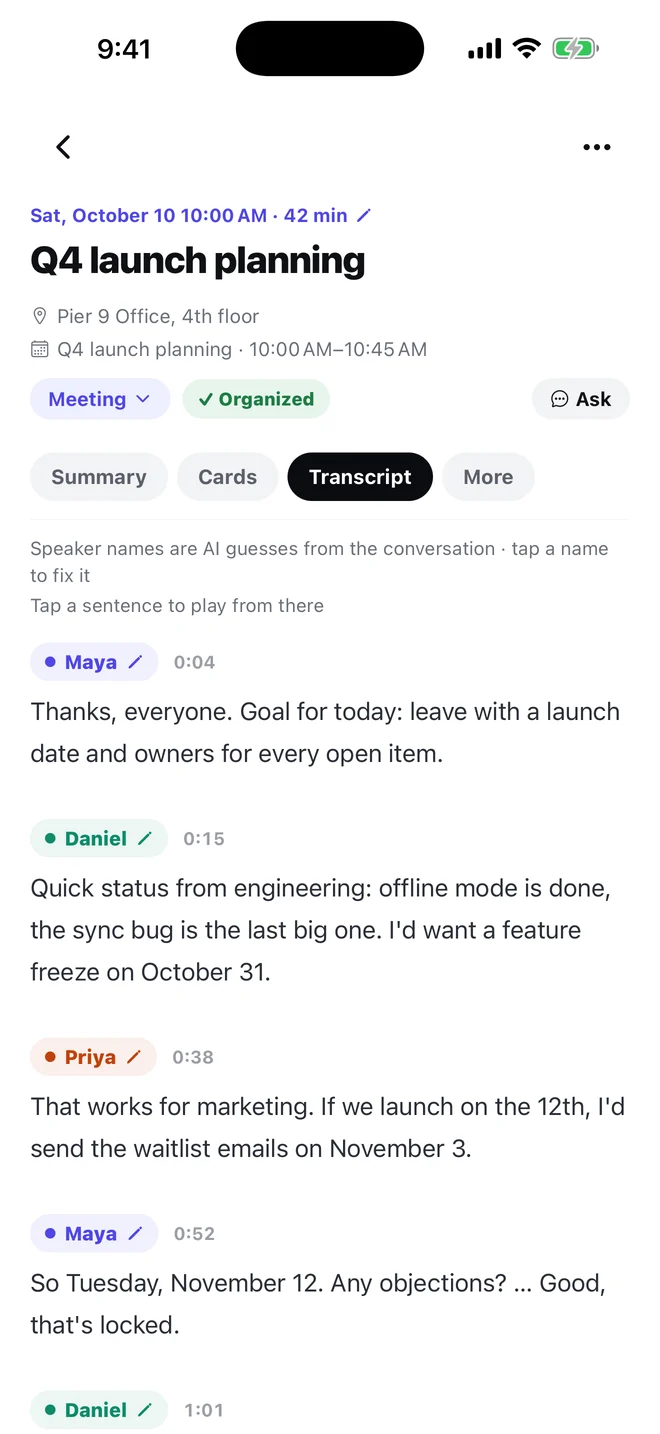
Tap any unclear line to hear it. Fix speaker names on the spot.
For whoever writes the notes
A recap email for attendees is written for you. Edit and send.
Share once. Recipients read it on the web, no app needed.
Put your phone on the table. No bot joins your call.
Korean and English in the same meeting? It writes both down.
Show a QR code and attendees see live captions on their phones. Check it together before the meeting ends, and nobody remembers it differently later.
Live captions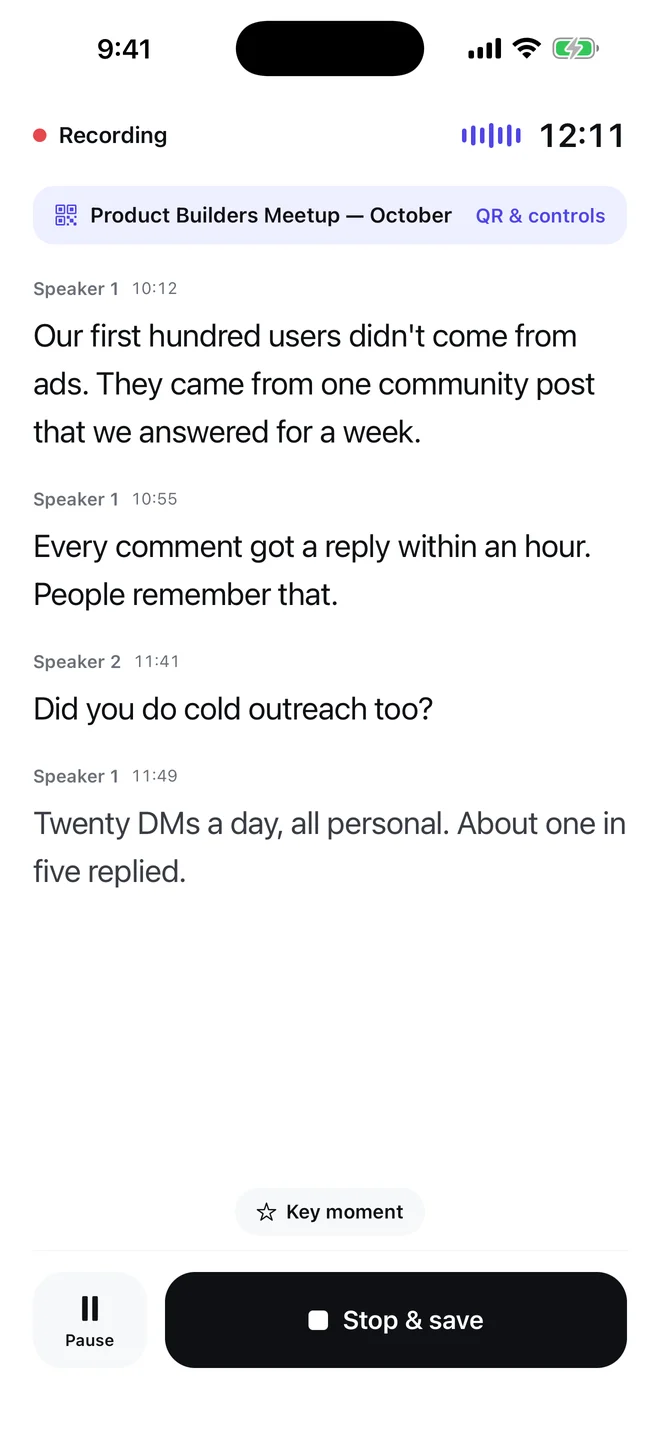
NoteCube transcribes the meeting as people speak, then creates an at-a-glance summary, decisions, to-dos with owners and dates, and a recap email draft for attendees.
Tap “Write email” on NoteCube’s draft and your mail app opens with the subject and body filled in. Or share a link: attendees read the summary and full transcript on the web without the app.
In NoteCube, tap any sentence in the transcript to hear that moment. You can also rename speakers on the spot.
Yes. NoteCube records in-person meetings from your phone, and no bot ever joins a video call.
First 60 cumulative minutes free · iPhone · Android